
MDViewer
Your Markdown App
Should Feel Native
MDViewer is a lightning-fast native macOS markdown reader. Edit in place, browse git history, navigate effortlessly — without ever leaving the app.
Edit Without Leaving
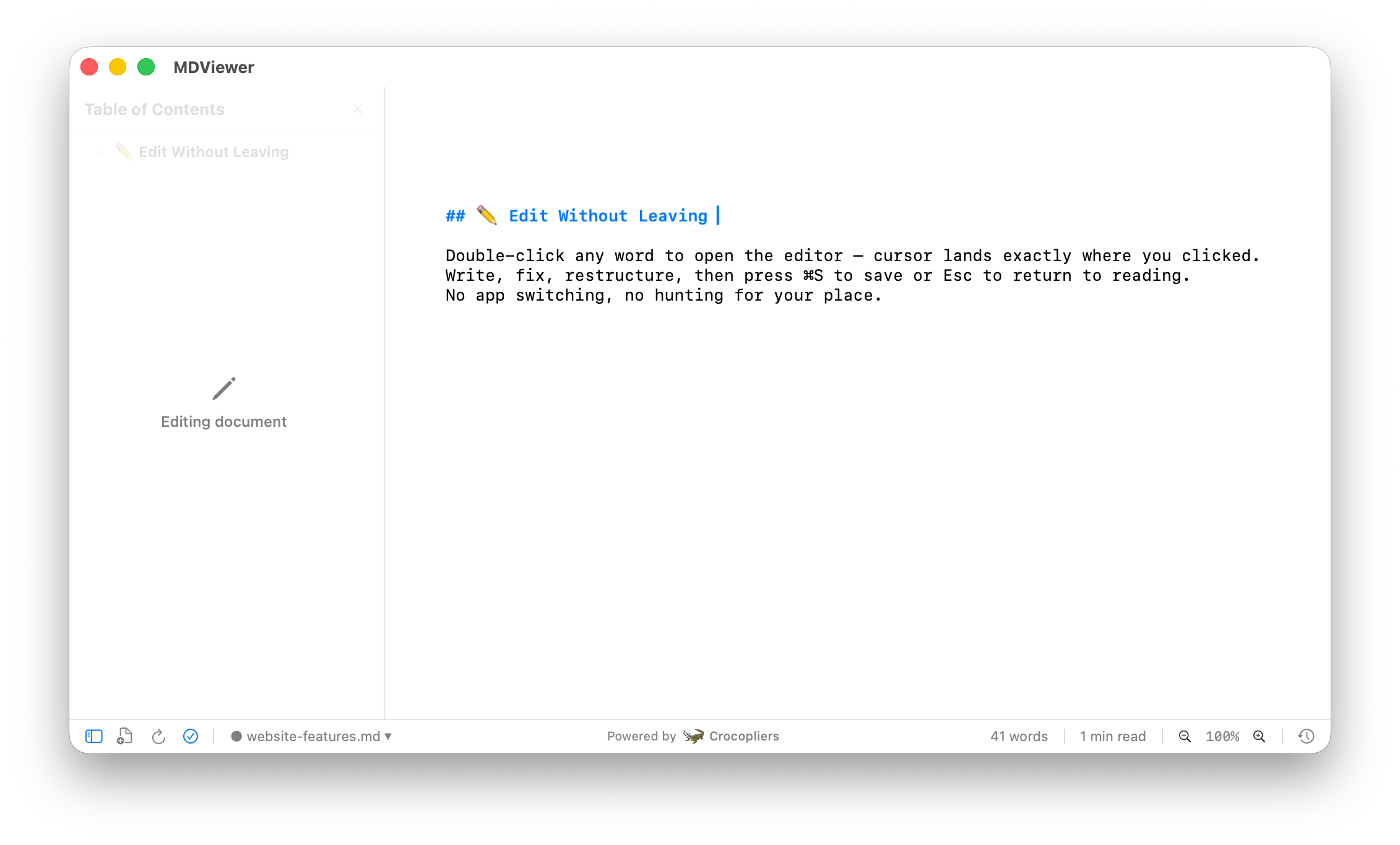
Double-click any word to open the editor — cursor lands exactly where you clicked. Write, fix, restructure, then press ⌘S to save or Esc to return to reading. No app switching, no hunting for your place.
Git History & Diff
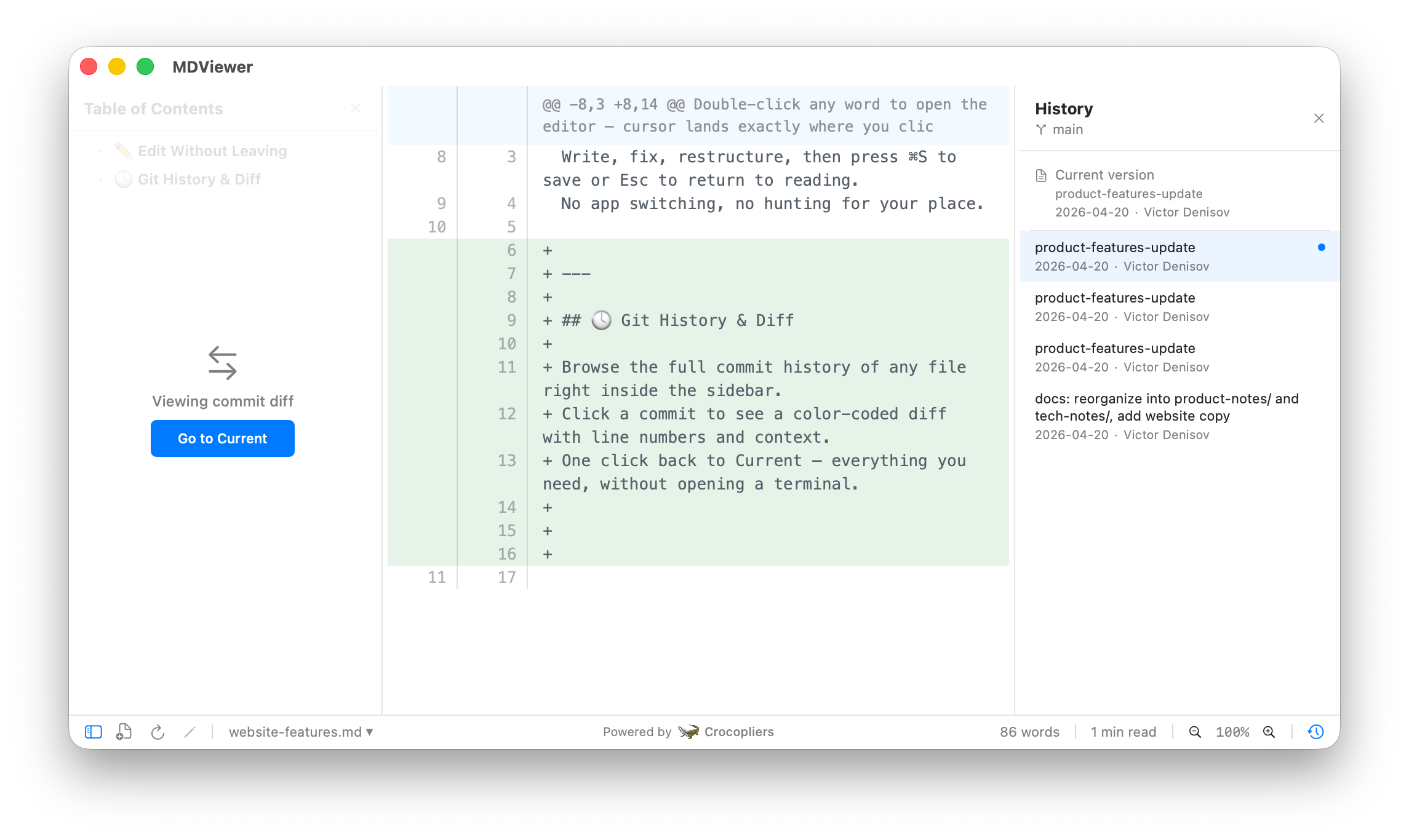
Browse the full commit history of any file right inside the sidebar. Click a commit to see a color-coded diff with line numbers and context. One click back to Current — everything you need, without opening a terminal.
Always Know Where You Are
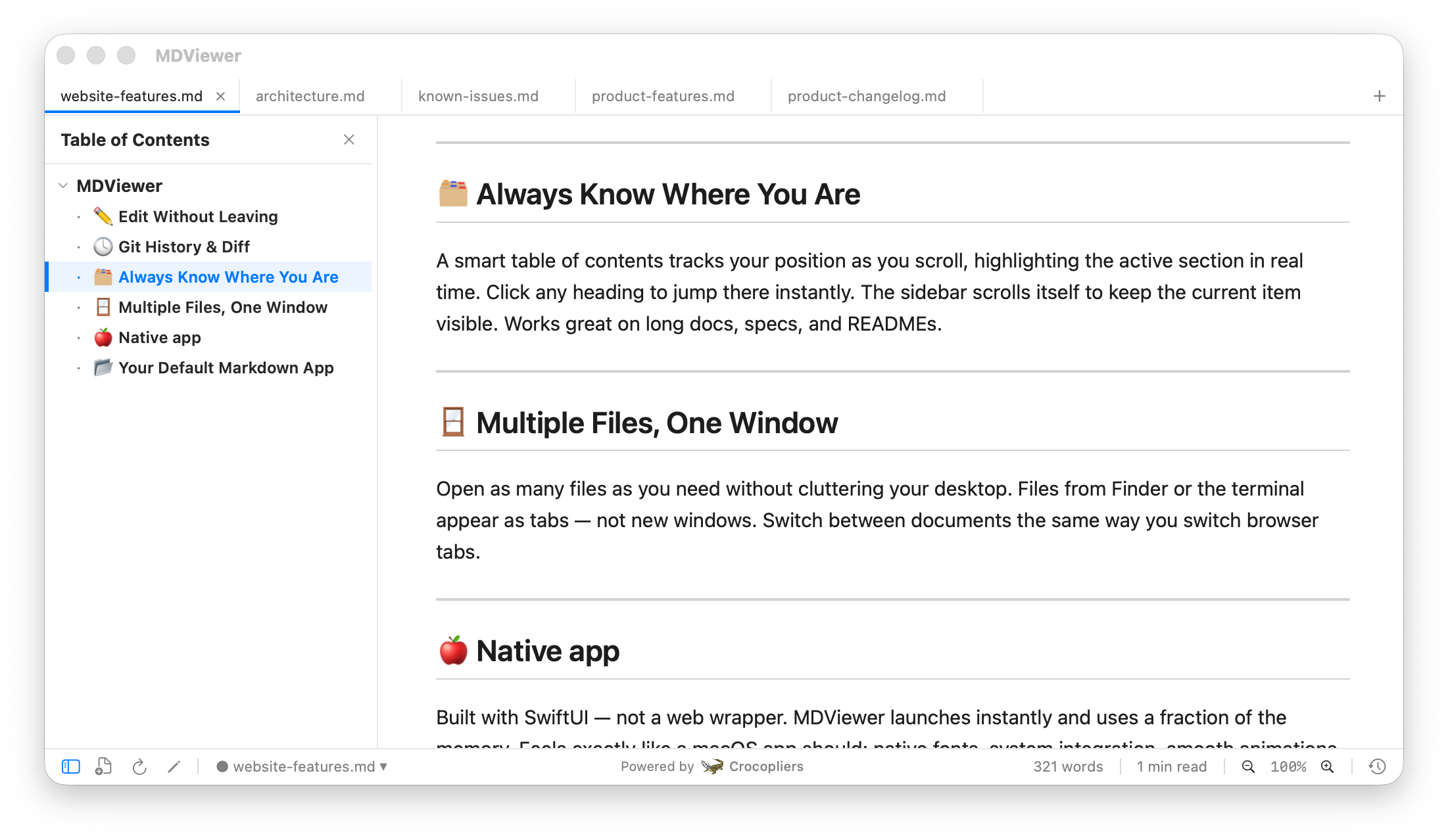
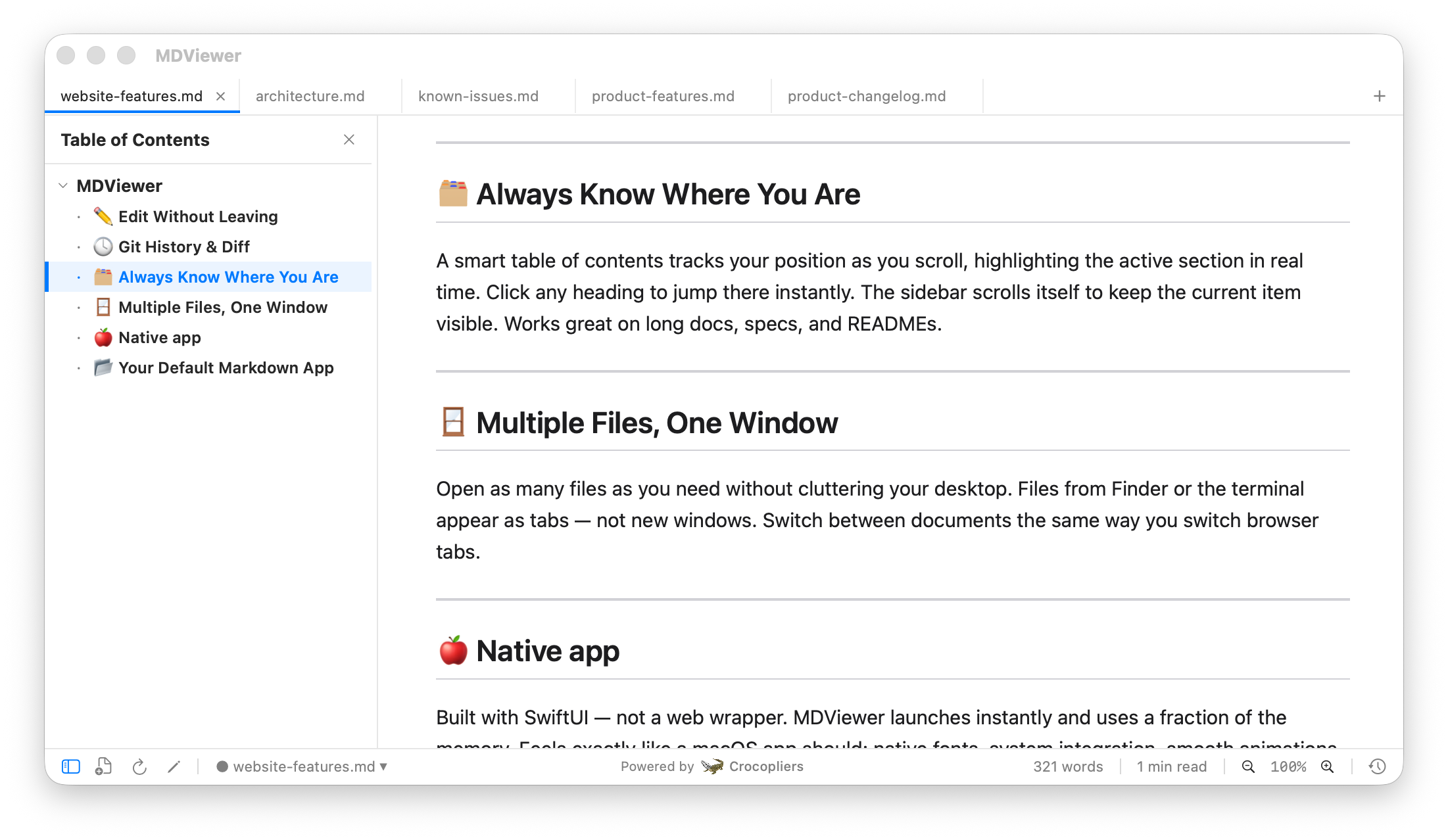
A smart table of contents tracks your position as you scroll, highlighting the active section in real time. Click any heading to jump there instantly. The sidebar scrolls itself to keep the current item visible. Works great on long docs, specs, and READMEs.
Multiple Files, One Window
Open as many files as you need without cluttering your desktop. Files from Finder or the terminal appear as tabs — not new windows. Switch between documents the same way you switch browser tabs.
Native macOS Application
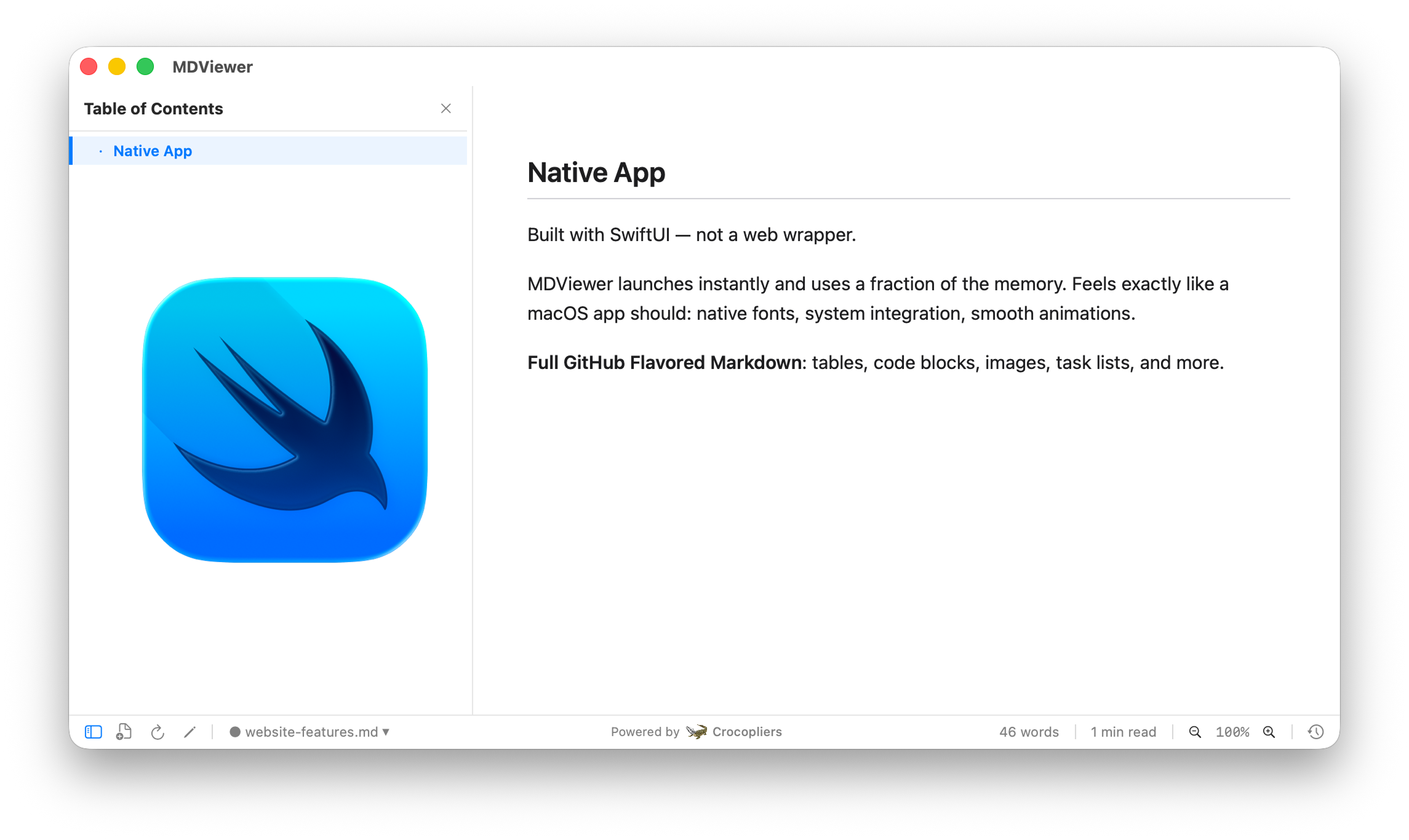
Built with SwiftUI — not a web wrapper. MDViewer launches instantly and uses a fraction of the memory. Feels exactly like a macOS app should: native fonts, system integration, smooth animations. Full GitHub Flavored Markdown support.
Your Default Markdown App
Set MDViewer as the default app for .md files in one click. After that, double-clicking a file in Finder or running `open README.md` in the terminal opens it right here. Always ready, always in the right place.
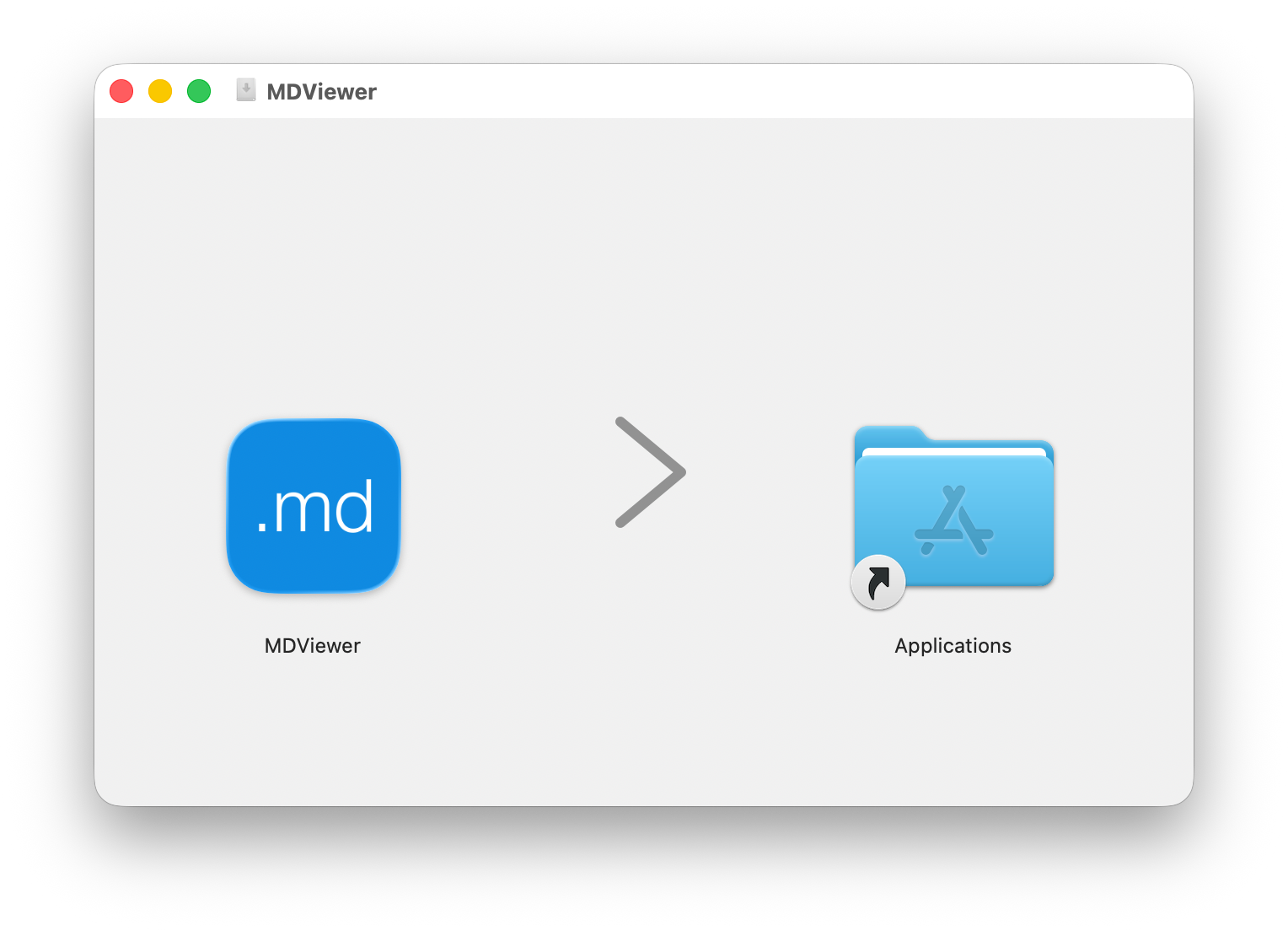
Ready to Make Markdown Reading Better?
Free for early adopters. No ads, no tracking.
Requires macOS 13.0 or later. Intel and Apple Silicon supported.